

How do I login?
Great question!
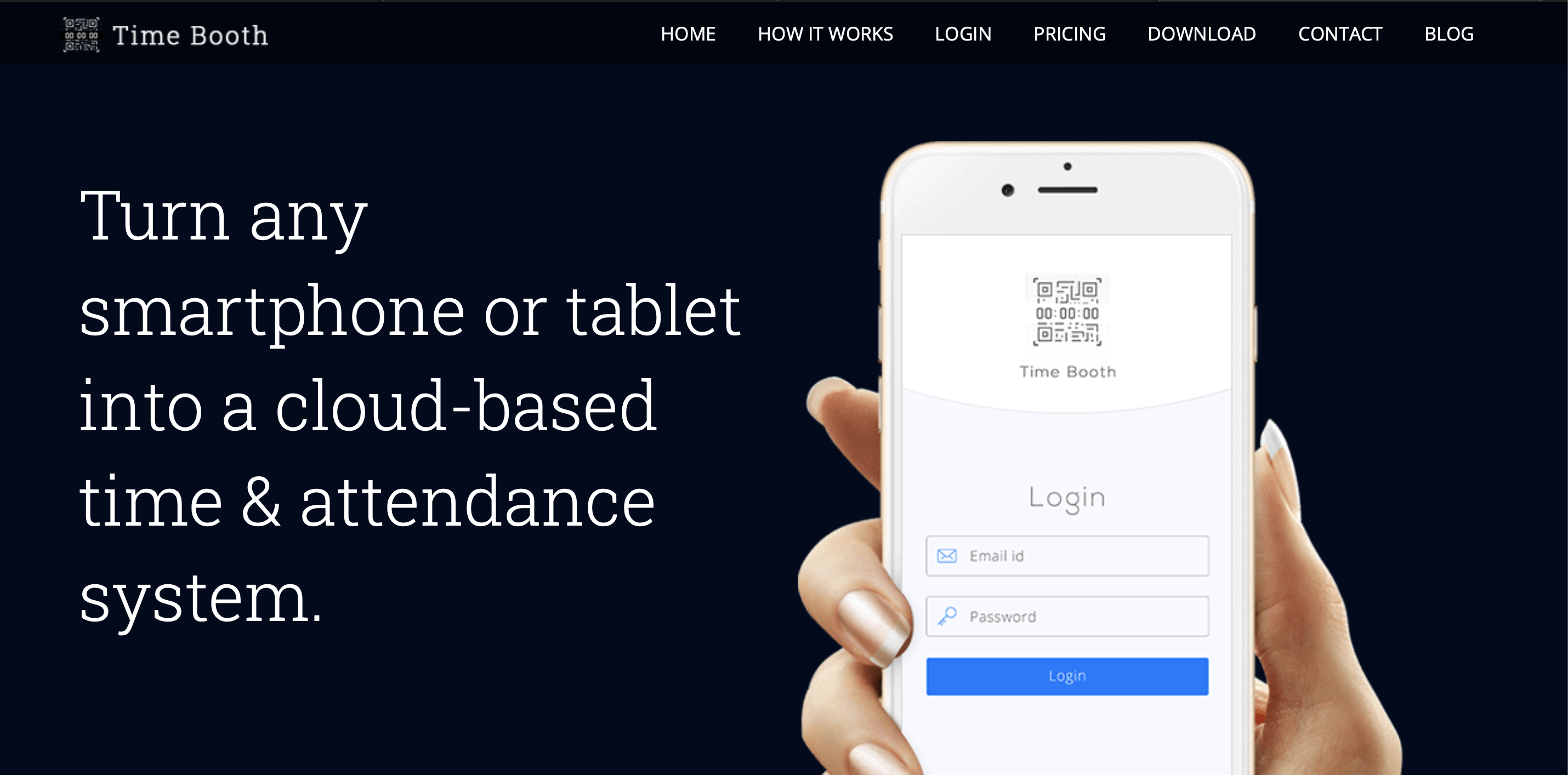
Login with the Web App
1 - Go to mytimebooth.com
2 - Click the "login" button at the top of the screen
3 - Enter your user name and password.
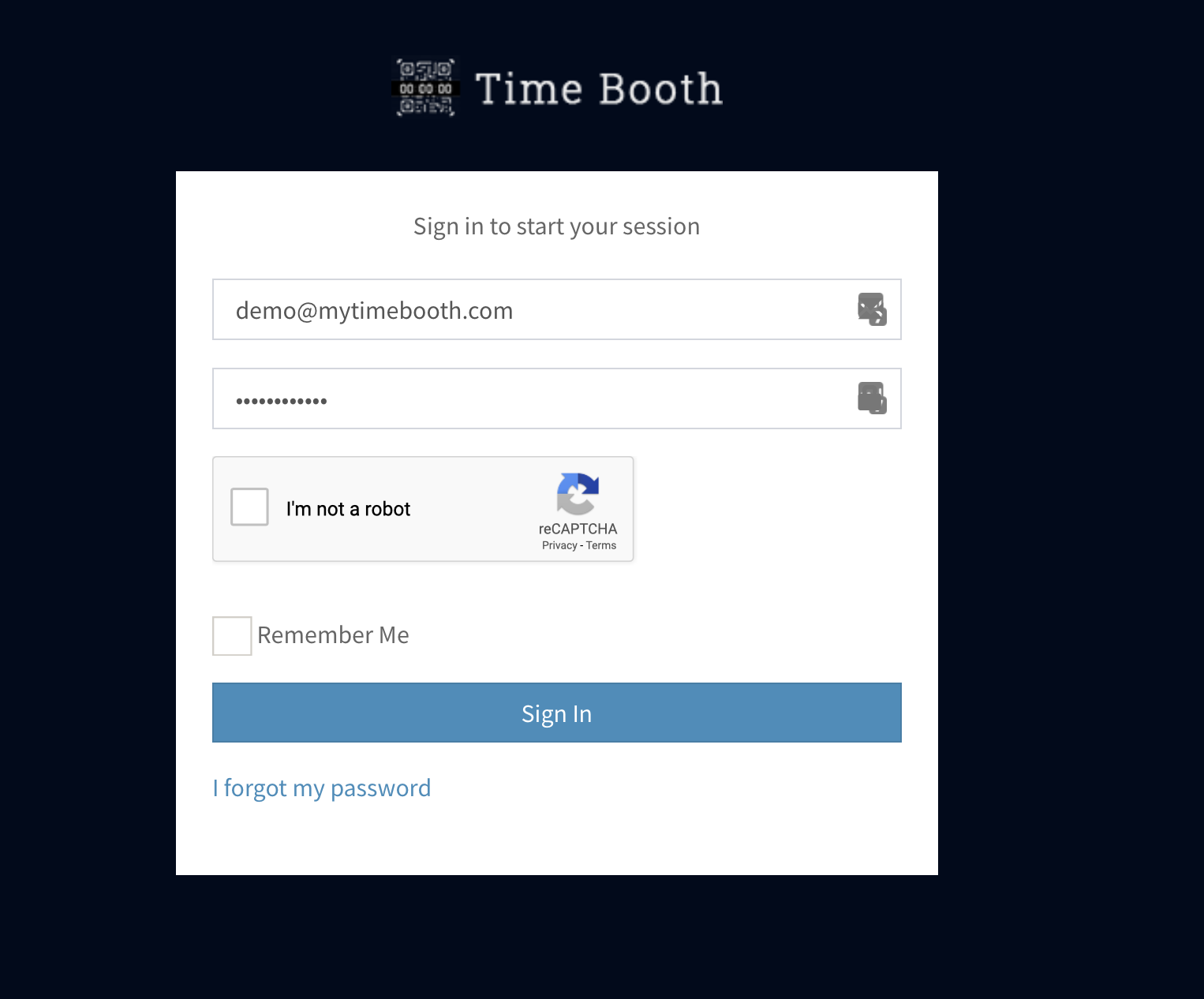
Forgot your password?
No problem, just click the link "I forgot my password", enter your email, and you can reset your password!
Login with the Mobile App
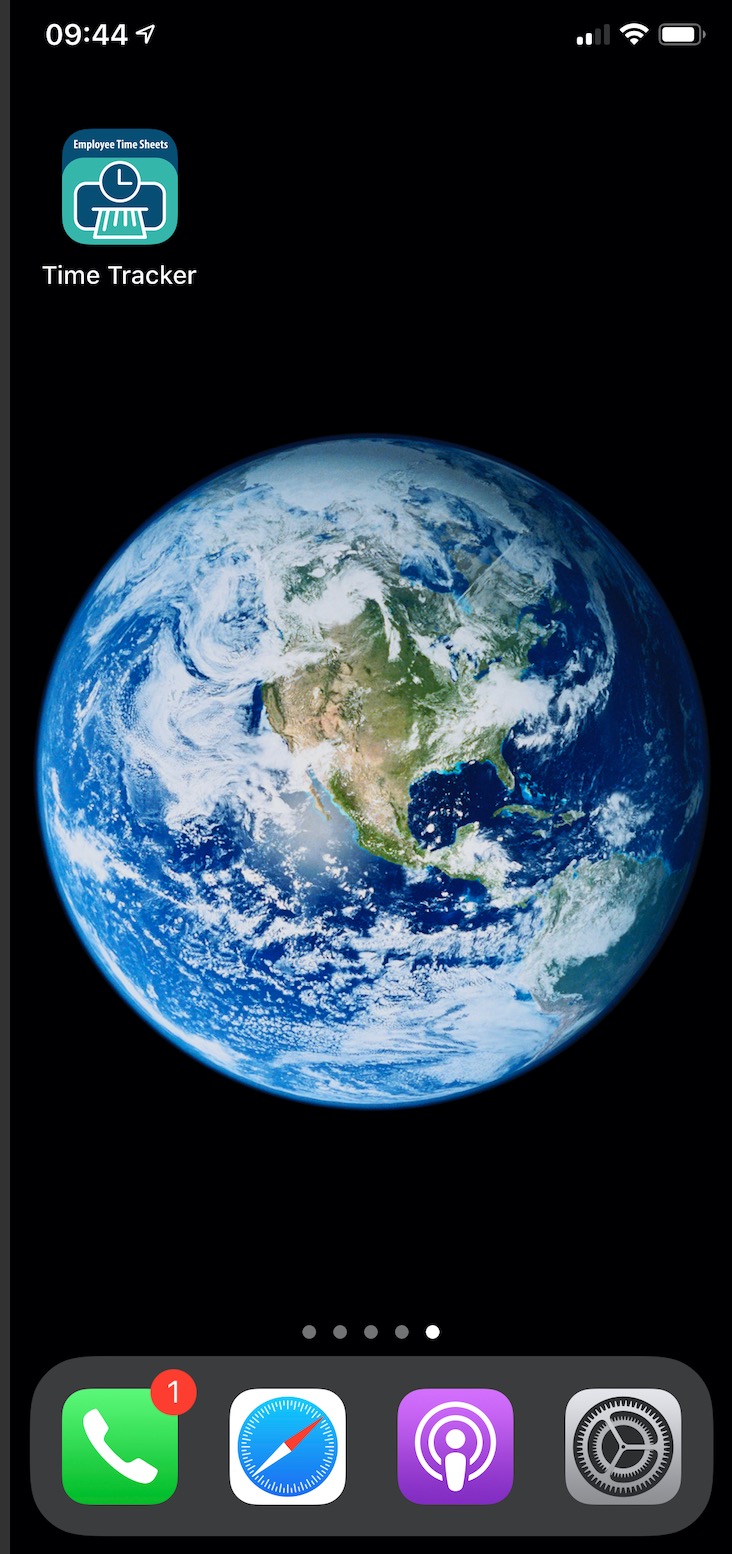 1 - Click on the App on your phone
2 - Enter your user name and password.
Forgot your password?
No problem, just click the link, enter your email, and you can reset your password!