How to get or print the QR codes?
To get the QR codes, go to your admin account and go to the bottom of the "manage" screen. You'll see a button that allows you to generate QR codes. Click that.
Then email it to yourself or print!
Here is the video that explains how to do it!
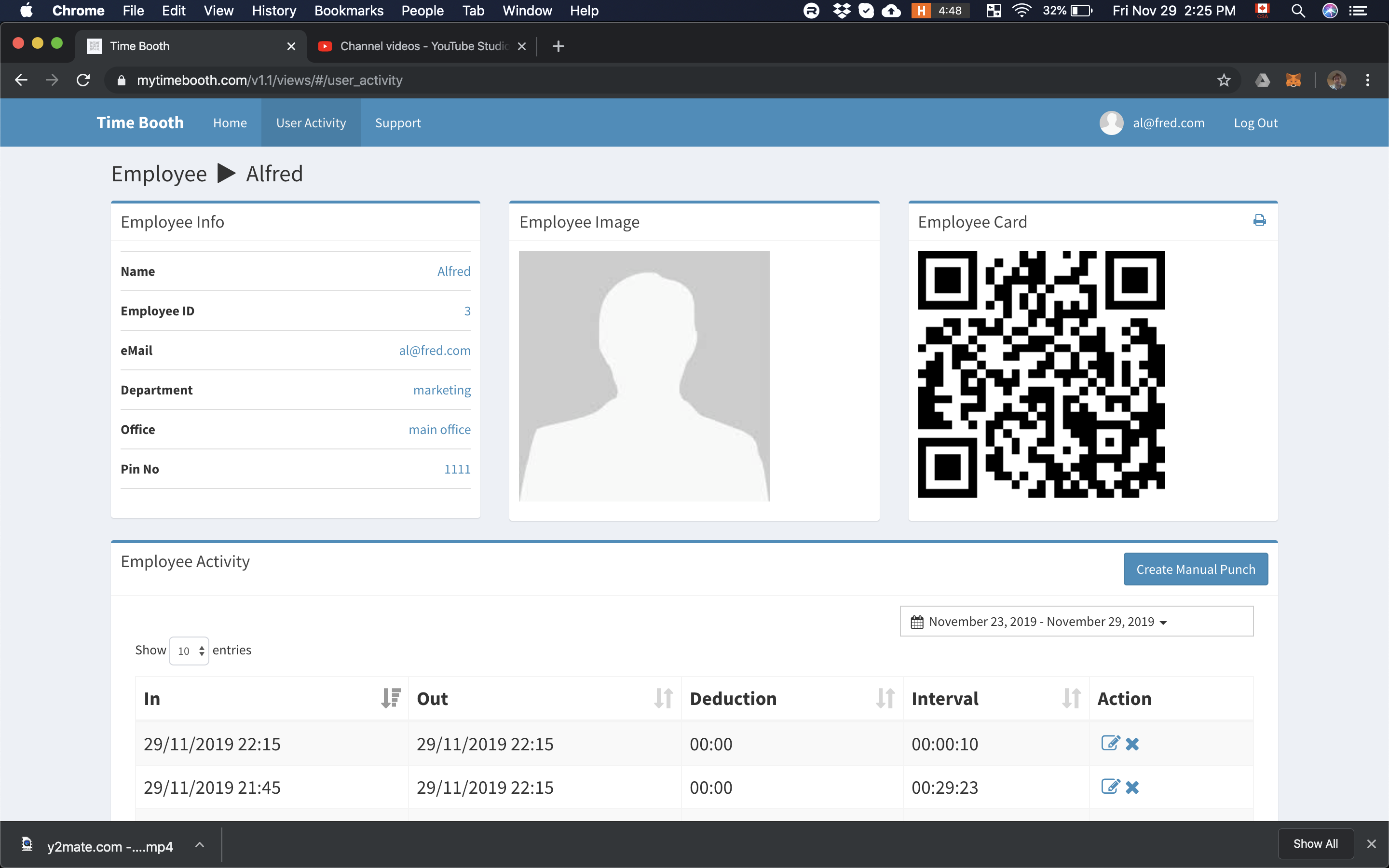
Alternatively, users can find and print their own QR codes by going on their web account as seen below.